Running a small business is hard. First, you must handle sales. Then, you look after staff. After that, you check payroll. And all of this happens without a big HR team to help.
But many small businesses still use paper sheets or punch cards. These are old and slow. Also, they are easy to cheat. For example, one worker can clock in for a friend. This is called “buddy punching.” Because of this, you lose money. Even one mistake can cost a lot. So, what’s the answer? The answer is finger clocking. It is faster, safer, and much more fair.
What Finger Clocking Fixes
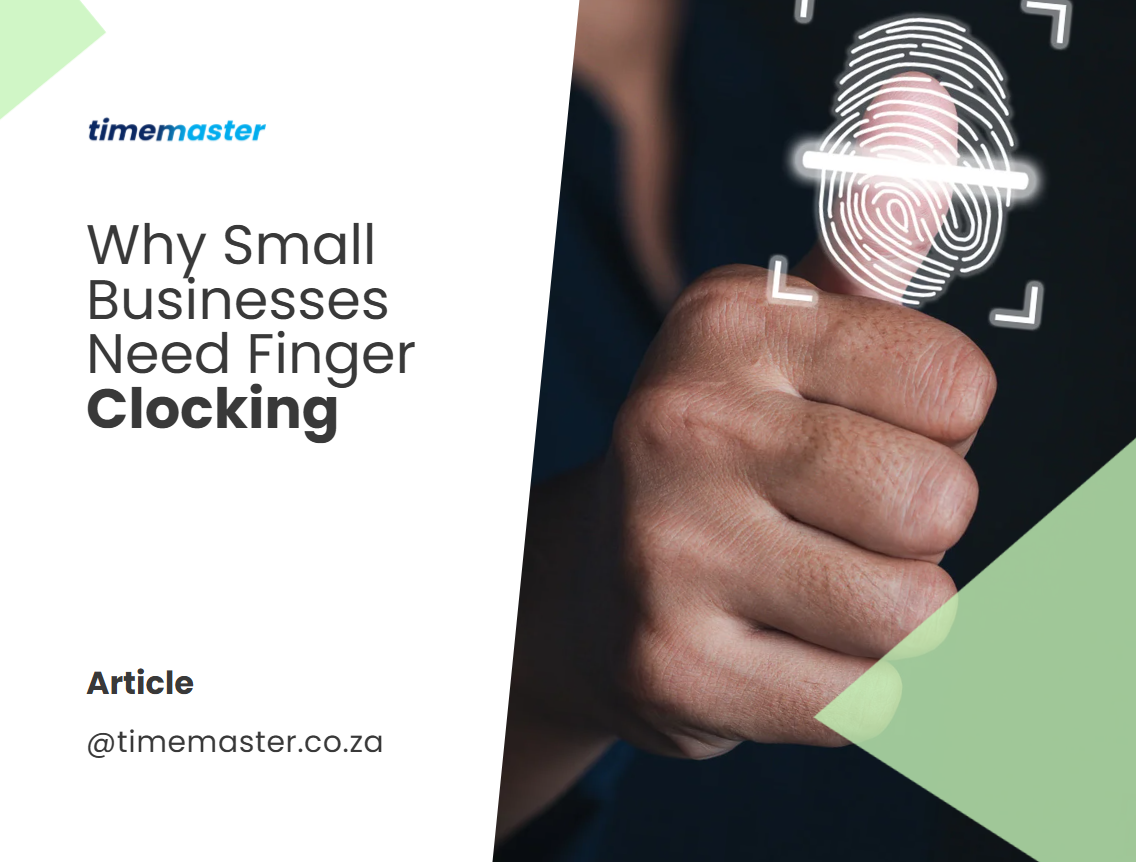
Finger clocking is simple. It uses fingerprints to record time. Because no two fingerprints are the same, only the right person can clock in or out. This means no more buddy punching.
Also, finger clocking gives you a clear record of hours worked. So, your staff get paid fairly. And you can trust that payroll and attendance system is always correct.
How a Self-Service Clocking Machine Works
Self-service finger clocking machines are built for small businesses that want things simple and reliable—without installing complicated software. Here’s how they fit right in:
- No Setup Stress: You don’t need any special computers or IT wizardry. Just plug in the machine, and you’re ready.
- Effortless Clocking: Every team member registers their fingerprint directly on the device. When starting or ending a shift, all they do is touch the fingerprint scanner. This means no sharing codes or cards—and no more confusion.
- Easy Records: Each punch in or out is saved on the machine itself. When it’s time to check hours, you simply use a USB flash drive to download the records into a neat Excel sheet. No more rifling through messy paper logs.
- Flexible for Everyone: If someone can’t use their fingerprint (maybe from a bandaged finger or a worn print), they can be given a secure PIN instead. So nobody gets left out.
For small companies where shifts are regular and don’t cross midnight, these machines keep things smooth and honest—ensuring clocking is fast, fair, and hassle-free.
What if a Fingerprint Doesn’t Work?
Sometimes, workers may have fingerprints that can’t be easily scanned—maybe due to a cut, a scar, or just tough skin from hard work. Don’t worry. Finger clocking systems come prepared with backup options:
- PIN entry: Employees can use a unique code to clock in and out if their fingerprint isn’t working.
- Clock cards: Each person can be assigned a special clock card (like an RFID card) as an alternative.
- USB support: Modern terminals often include USB flash drives to store clock data, so records are always safe.
So even if a fingerprint can’t be used, everyone still has a fair and simple way to record their hours.
Benefits of Finger Clocking for Small Businesses
Here are the main reasons finger clocking helps:
✅ Accurate payroll – Hours are counted correctly. So, mistakes go away.
✅ Fair for staff – Everyone knows the system is honest.
✅ Saves time – Owners spend less time checking timesheets. Instead, they focus on growing the business.
✅ Cloud access – You can see data anytime and anywhere. For those who prefer a straightforward approach, the system also functions as a self-contained clocking machine—no software installation required. All employee clock-in and clock-out times are securely stored on the device itself, and retrieving records is a breeze: simply plug in a USB flash drive to download a handy Excel sheet with all the clocking details.
✅ Works with payroll – TimeMaster connects to Paymaster Payroll. So, no manual entry is needed. TimeMaster connects to Paymaster Payroll. So, no manual entry is needed.Easily sync all your time and attendance data directly to your payroll package—whether it’s Paymaster Payroll, Sage VIP, or another major system. No more hours lost to manual data processing. Review employee clock-ins and outs daily, weekly, or monthly, and once you’re happy with the records, simply export them to payroll with a click. HR management software can print detailed clocking sheets with calculated hours, and after sign-off, everything flows seamlessly into your payroll—saving you time, reducing errors, and making payday a breeze.
✅ Affordable – The system costs less. This makes smart tech possible for small teams.
Key Features of a Basic Biometric Clocking System
A basic biometric clocking system is designed with simplicity and small teams in mind—perfect for businesses with 1–50 employees. Here’s what you can expect:
- Fingerprint clocking – Staff use their fingerprint to clock in and out, making “buddy punching” a thing of the past.
- Backup options available – If a fingerprint isn’t readable, employees can use an RFiD clock card to stay on track.
- Easy management from your desk – View and manage employee clock-ins directly from your office computer.
- Flexible data downloads – Retrieve records daily, weekly, or monthly based on what works for HR.
- Effortless reporting – After reviewing attendance, HR managers can quickly print sheets with automatically calculated work hours.
These straightforward features help make attendance tracking hassle-free for both owners and staff.
Flexible Reporting Options
Reports are easy to manage. You can review employee clocking data daily, weekly, or monthly—whatever fits your workflow. After checking the records, HR can quickly print timesheets with all the hours calculated for you. This makes payroll prep simple and keeps everything transparent for your team.
Manage All Kinds of Leave with Ease
With advanced time and attendance software, you’re not limited to tracking clock-ins and clock-outs—leave management gets a welcome upgrade too. Whether your team members need time off for illness, family commitments, or annual holidays, everything’s covered.
Here’s what you can manage with the right system:
- Annual leave – Plan for vacations without any spreadsheet headaches.
- Sick leave – Record absences due to illness quickly and accurately.
- Family responsibility leave – Handle those unexpected family needs.
- Custom leave types – Cater to study breaks, maternity or paternity leave, or even a well-deserved mental health day.
All these leave requests are tracked and stored in one place—so you spend less time chasing paperwork and more time running your business.
Why Choose TimeMaster Biometrics?
TimeMaster makes finger clocking easy. First, it is simple to use. Next, it is reliable. And then, it grows with your business.
So, whether you own a shop, an office, or a restaurant, TimeMaster works for you. Also, it comes with great features like fingerprint accuracy, cloud dashboards, and staff rostering. Best of all, it has the power of big-company tools, but the price is right for small businesses.
Flexible Options for Every Team
TimeMaster fits your business, whether you have just a handful of staff or a growing team:
- Self-Service Clocking (1–20 employees): No software needed. Just use the device and collect hours with a USB drive. Even if an employee has a damaged fingerprint, they can clock in with a PIN.
- Basic Biometric System (up to 50 employees): Includes simple software for easy management. Download timesheets as Excel files, print them, or review them with your team. If a fingerprint doesn’t work, use an RFiD card—no one is left out.
- Advanced Biometric System (up to 8,000 employees): Ready for bigger operations. Manage all types of leave (annual, sick, family) and integrate easily with payroll platforms like Sage VIP. Download, review, and export clocking data—no more manual entry headaches.
- Elite Biometric Solution (up to 20,000 employees): Built for large businesses, but available to you as you grow. All the features of the advanced system, plus an extended warranty for extra peace of mind.
No matter the size of your crew, TimeMaster gives you the tools to track time accurately, cut down on errors, and make payroll a breeze. Every solution is designed for small business needs, with the flexibility to expand as you do.
Conclusion
Small businesses cannot waste time. They also cannot afford payroll mistakes. That is why finger clocking is so important. It is not just for big companies anymore. Now, it is for small businesses too.
So, when you choose TimeMaster, you save money. You also save time. And you make sure every staff member is treated fairly. That’s how you run your business with less stress and more confidence.ated fairly. In short, it helps you run your business with less stress and more confidence.
📌 Watch how it works here: TimeMaster Video
📧 glen@timemaster.co.za click here
🌐 www.timemaster.co.za
📞 083 679 1311
📚 Resources used
Paymaster Payroll
📌 HRMaster
TimeMaster – Rostering Benefits
📌 SHRM – Biometric Time Tracking
Small Business Trends – Time Tracking Insights
📌 Labour Guide South Africa